Chord looks like the app you already use, but nobody owns the network.
Spaces on the left, channels next to them, messages in the middle. If you've touched a chat app in the last decade, you don't need a tour. The only new thing is the network underneath.
Your hands already know where everything is.
We didn't reinvent chat. We just moved it somewhere you actually keep your account. Your friends could switch on a Friday night and be arguing in the right channel by Saturday.
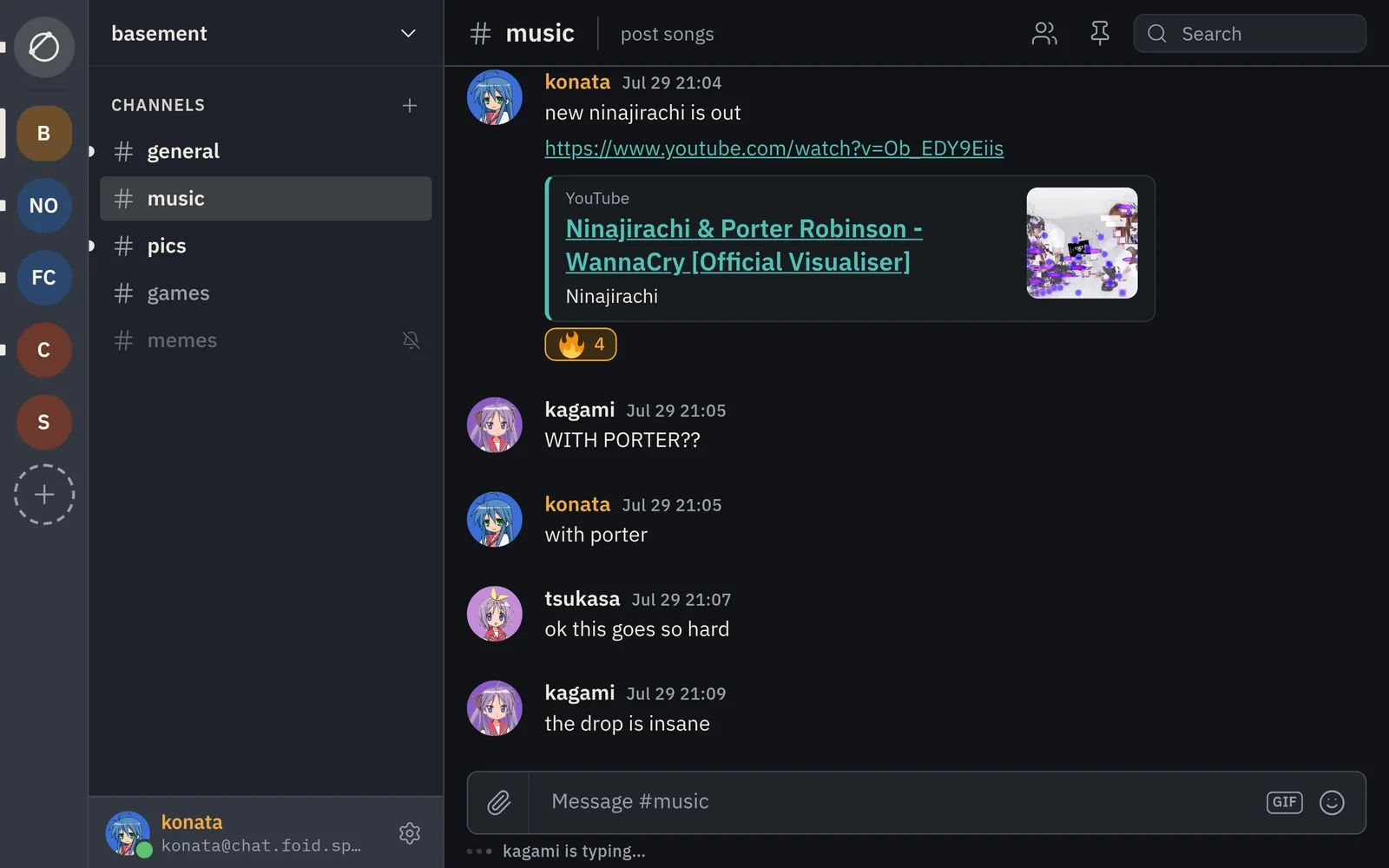
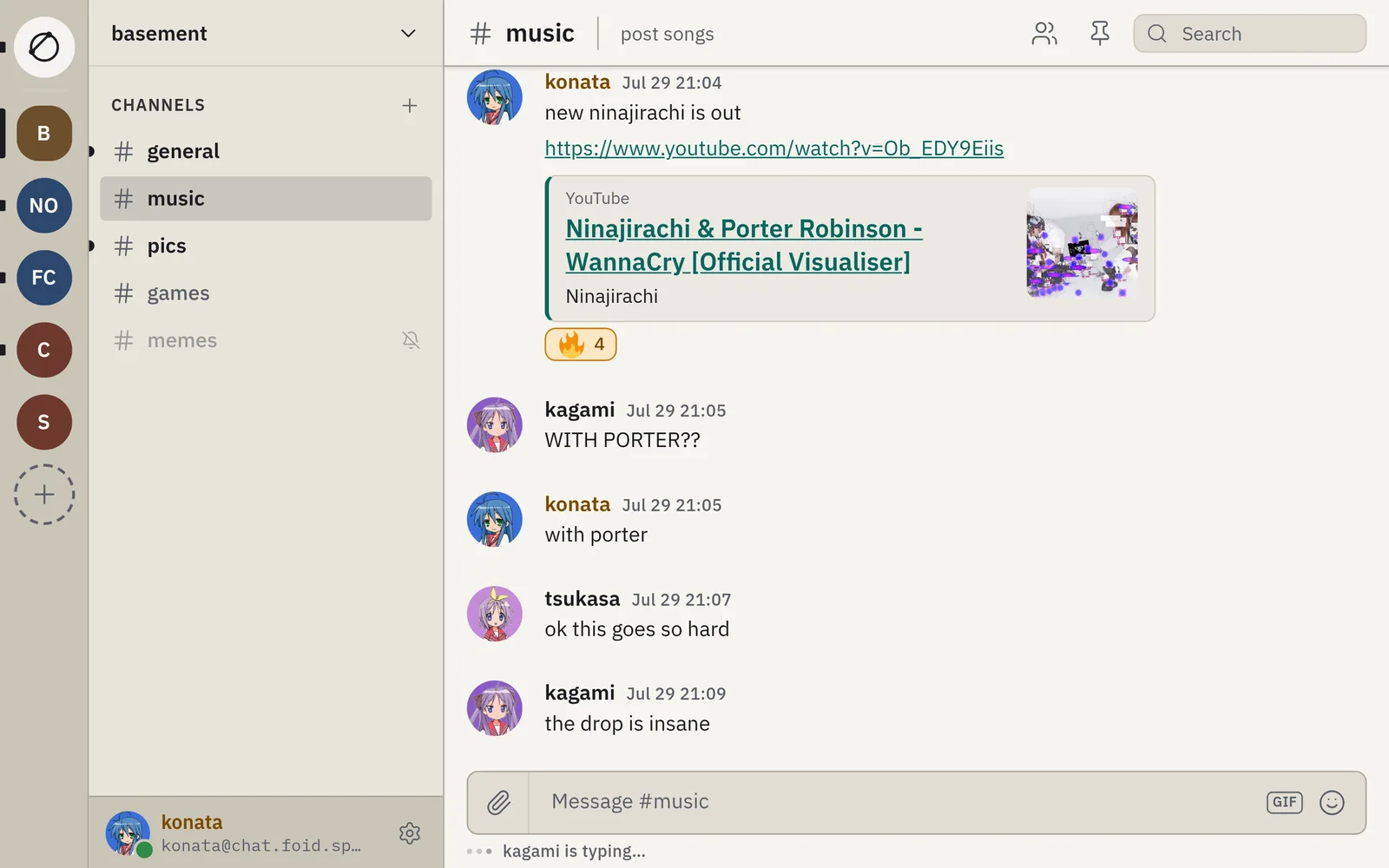
- The railEvery space you're in, one icon each, down the left edge. Home sits at the top, for your DMs.
- The channel listChannels for whatever space you're in. Bold means unread. Muted channels go quiet, like you asked.
- The conversationMessages grouped by person, with replies, reactions, link previews, and a red line where you stopped paying attention.
- The composerType, hit Enter, done. Attach a file, drop in a GIF, pick an emoji. Nothing to learn. Sorry.
We call them spaces, not servers. In Chord, a server's just the computer holding your account, and it can be yours.
A space for every group you're in.
Your crew, your team, the group chat that's mostly memes. Each one gets a space with its own channels. Hop between them from the rail, and unread counts tell you where things went sideways while you were gone.
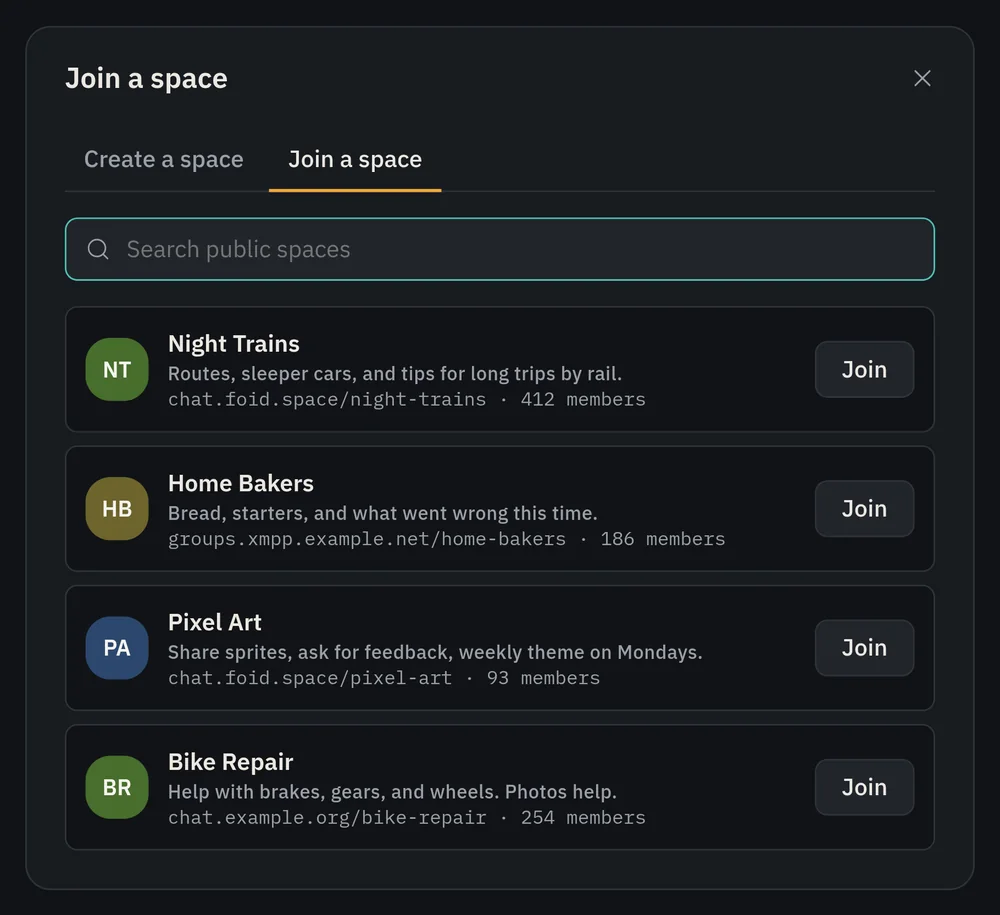
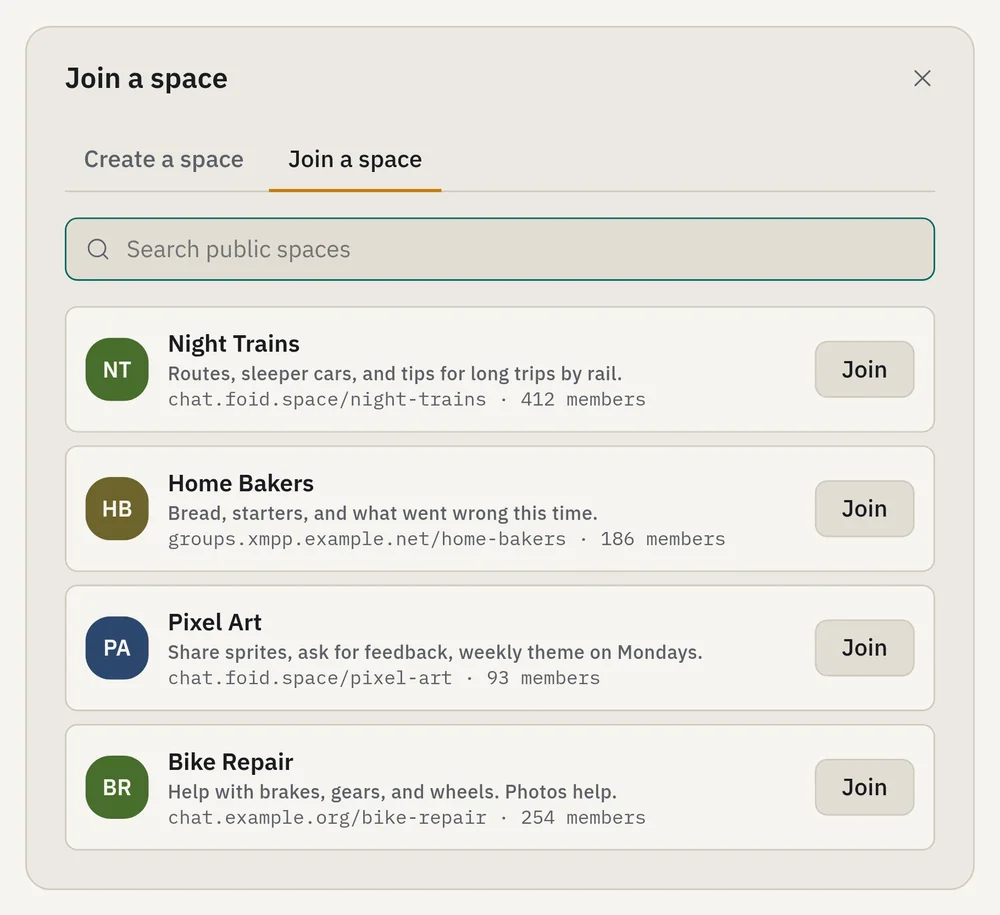
Make your own, or search the public ones and barge in. Under the hood they're XMPP spaces, so other clients that speak them see the same groups.
See who's around before you ask.
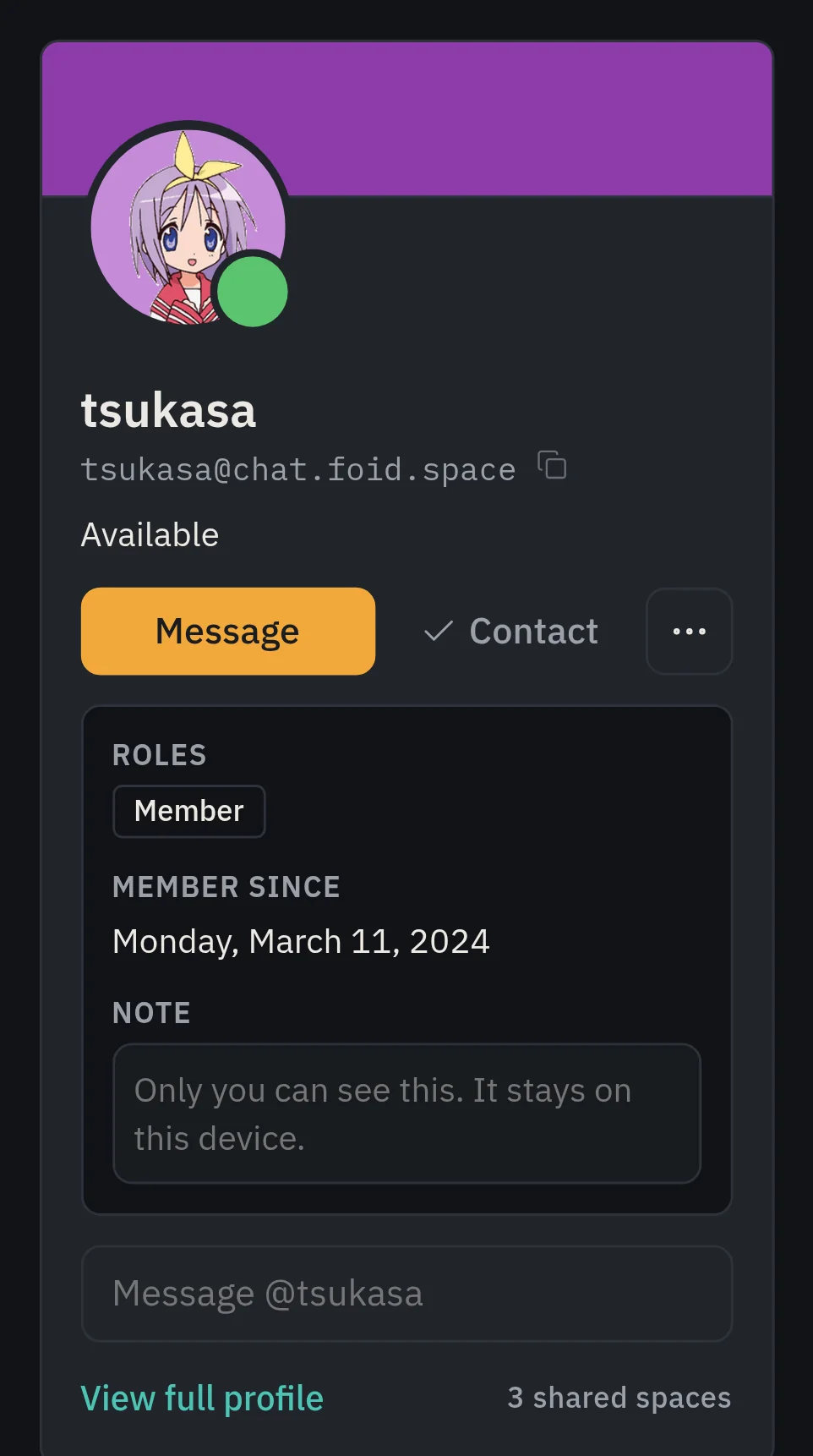
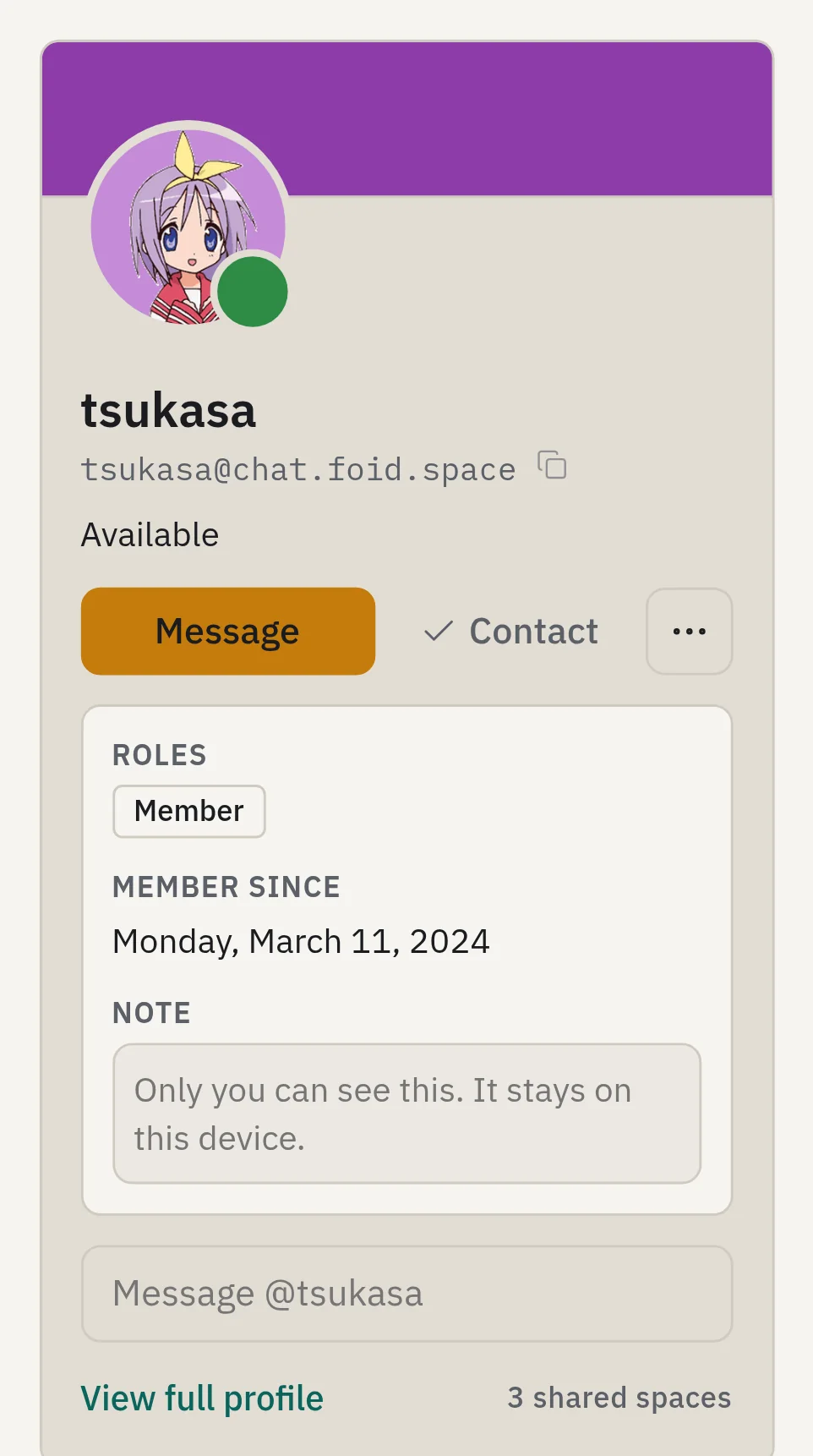
DMs and group chats live on Home. Everyone's got a status, and every status gets a shape as well as a color, so you can read it even if red and green look the same to you. Tap a name for their card: status, roles, and a private note only you can see. Be honest in it.
Pick up right where you left off.
Your server keeps your history. Desktop, phone, laptop: sign in on all three and they'll show the same conversation. No more "check your other device."
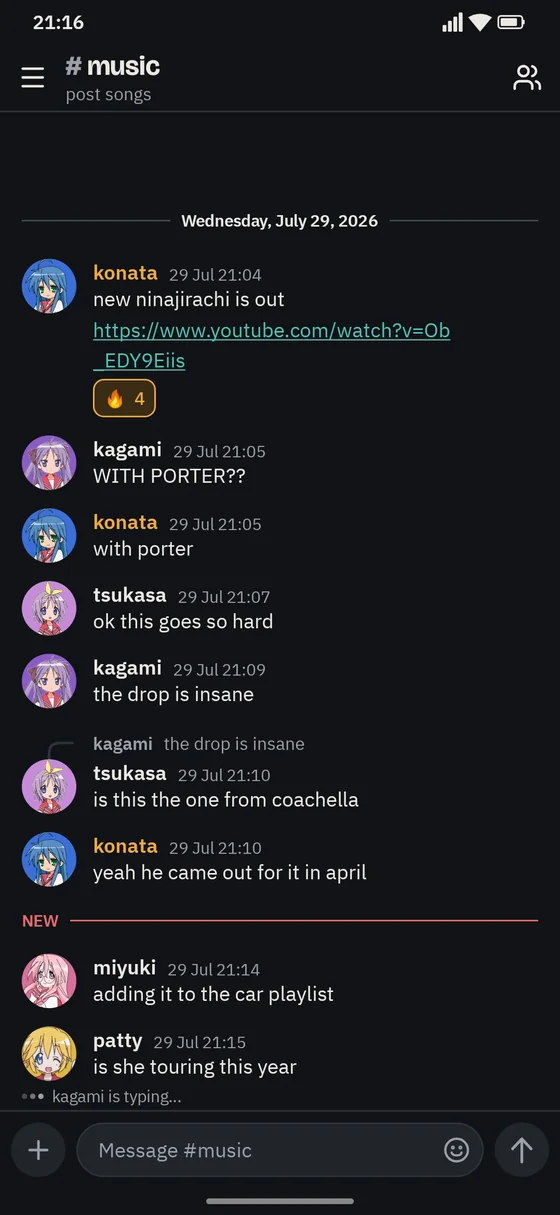
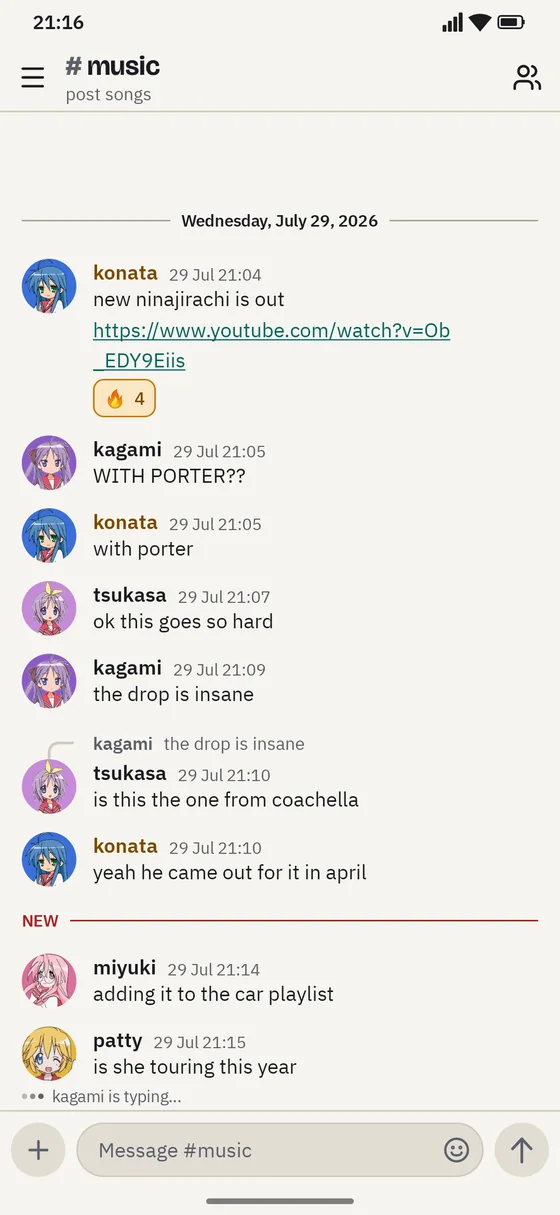
Just drop it in the channel.
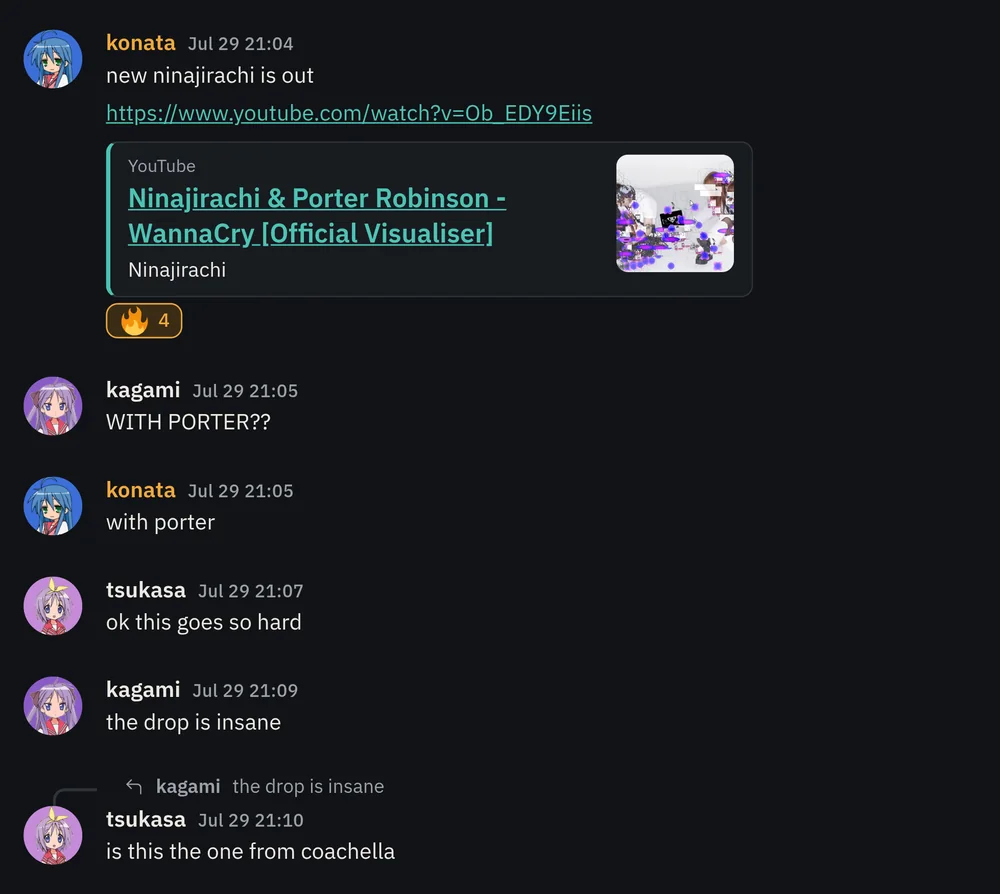
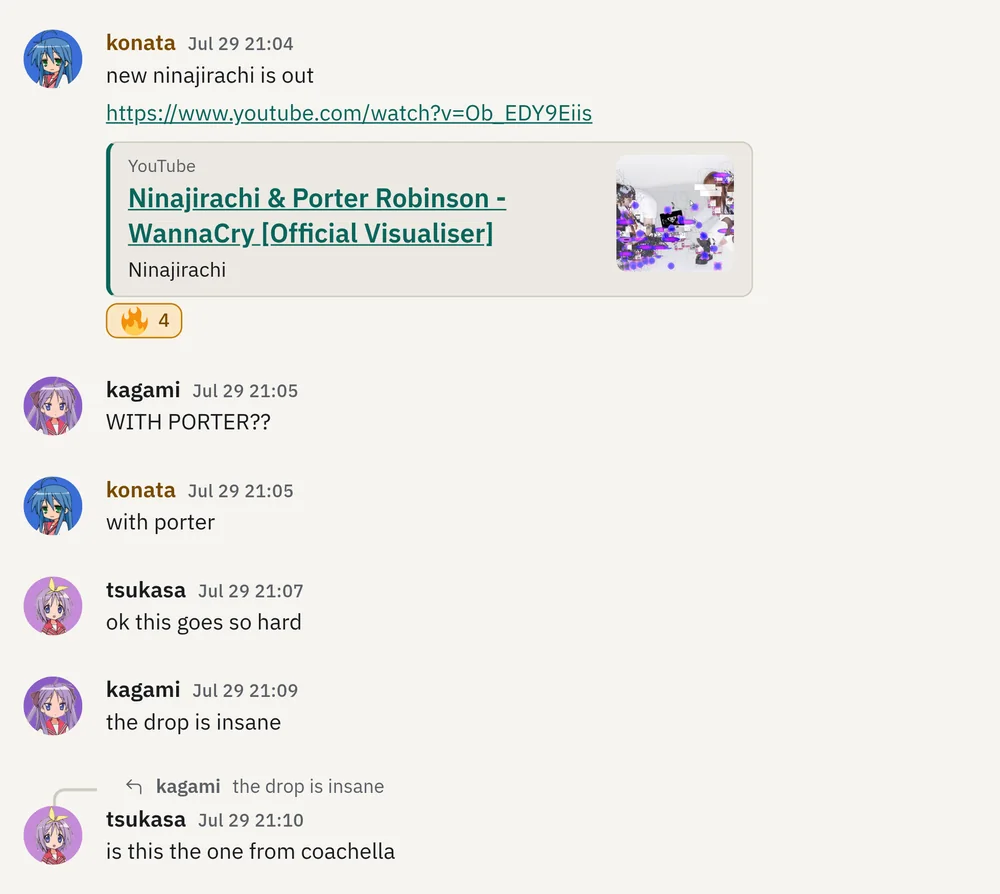
Photos, screenshots, that PDF someone keeps asking for. Your server stores them, so the size limit's up to your server, not a subscription tier. Paste a link and Chord unfurls it. React with the emoji you mean, or lose the argument with a GIF.


Talk to people on other servers. Yes, really.
Your address looks like an email: you@yourserver.org. People on other XMPP servers can join your spaces and DM you, and Chord shows their server next to their name so you always know where a message came from.
is she touring this year
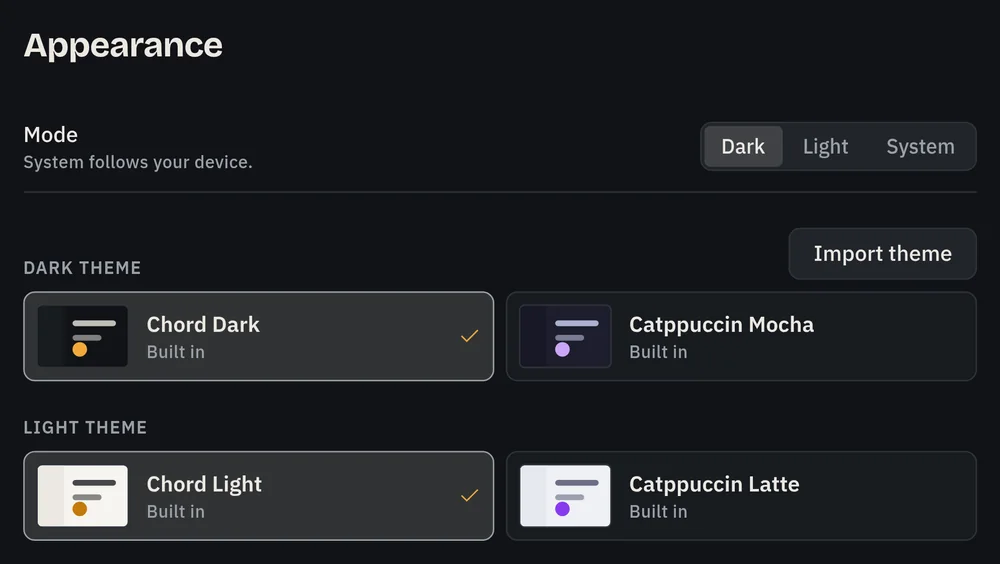
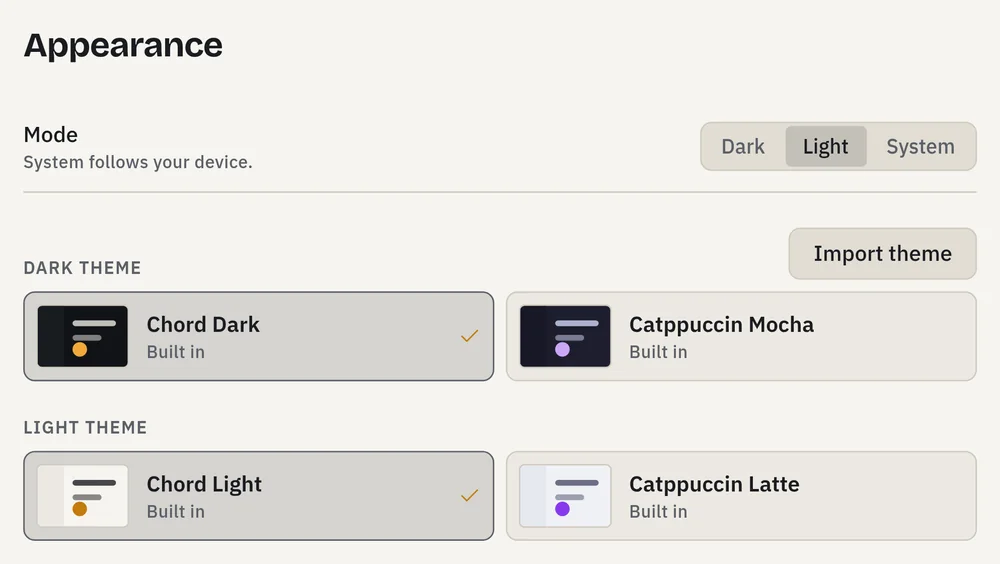
Dark, light, or yours.
Chord Dark and Chord Light are built in, with Catppuccin next to them. A theme is a CSS file: import one from a link, or write your own. Imported themes can't load anything from outside the app, so nobody's snooping on your screen.
Same shape. Different rules.
| Chord | The app you're thinking of | |
|---|---|---|
| The layout | Spaces, channels, DMs | Also that |
| Who runs the servers | You, a friend, or any XMPP host | One company |
| Your account | An address on a server you pick | A row in their database |
| Other apps | Any XMPP client can sign in to your account | Only theirs |
| If the rules change | Pack up and move servers, or run your own | Click Agree, or leave your spaces behind |